
When I started looking into Valorant pro settings, I realized how much I could learn simply by studying how top players configure their game.
From sensitivity and DPI to crosshairs and keybinds, every detail in a pro player’s setup is chosen with intention.
These settings aren’t just preferences; they’re tools that help pros stay consistent, react faster, and maintain precision under pressure.
While copying settings won’t instantly turn anyone into a pro, it can offer a solid foundation for refining aim and movement.
That’s why I put this guide together: to break down what the best players use and explain why those choices work.
Whether someone is looking to improve their aim or streamline their gameplay, pro settings offer valuable insight worth exploring.
How Pro Settings Influence Performance
When I look at how pro settings influence performance in Valorant, I notice how each choice affects consistency and reaction time.
Sensitivity, for example, plays a huge role in stabilizing aim, especially during long spray transfers or precise flicks.
Crosshair settings help create clarity by reducing visual distractions and keeping my focus centered during engagements.
Keybinds also shape efficiency, making it easier for me to use abilities quickly without breaking movement flow.
Even video settings matter because cleaner visuals and higher FPS make it easier to track opponents.
What I’ve learned is that pro settings aren’t about copying someone else; they’re about understanding why specific setups work and adapting them to my own style.
They give me a structured starting point that helps me improve faster and play with more confidence.
Mouse Sensitivity Used by Pros
Mouse sensitivity is one of the most influential settings among professional Valorant players, and most pros gravitate toward lower eDPI ranges to maintain precision and control.
A typical range for competitive players is between 200 and 350 eDPI, which helps them make consistent micro-adjustments during aim duels.
Lower sensitivity allows for smoother tracking and steadier recoil management, especially during long-range engagements.
High-DPI mice paired with low in-game sensitivity also reduce input noise and create a more stable aiming environment.
Although each pro makes slight adjustments based on comfort and playstyle, the trend strongly favors low-sensitivity setups for accuracy.
This consistency across top players demonstrates how crucial controlled mouse movement is in tactical shooters.
Pro Crosshair Settings
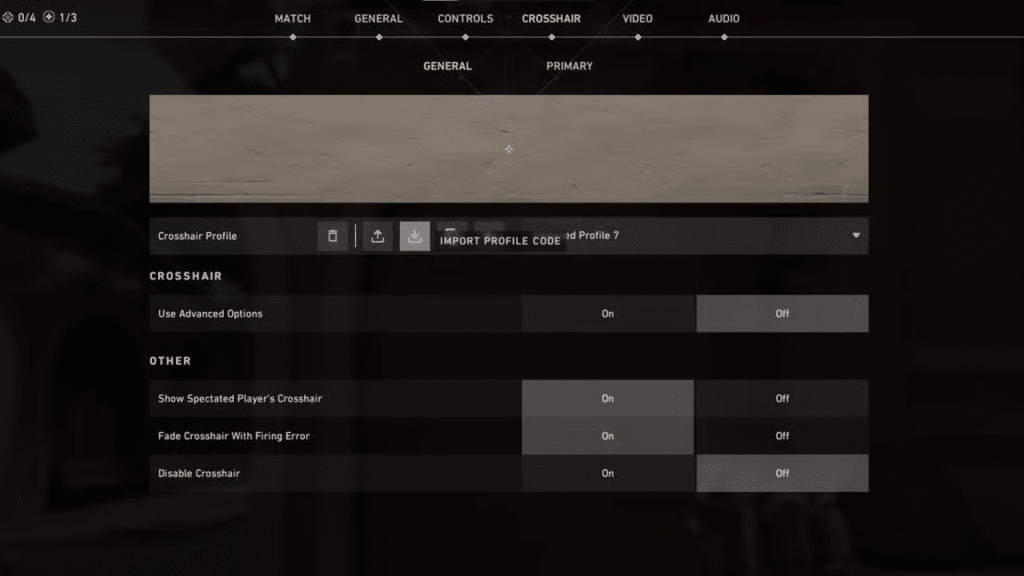
Most professional players prefer small, static crosshairs that provide a precise reference point without covering the target.
Classic styles include thin “+” shapes, compact four-line designs, or a centered dot for pinpoint accuracy.
Bright, high-contrast colors such as cyan, green, or white are commonly used because they remain visible on all maps and against varied backgrounds.
Pros also turn off movement and firing error indicators to keep the crosshair completely stable, ensuring consistent visual feedback during aim duels.
Some players adjust outlines or opacity for added contrast, but the overall design remains clean and unobtrusive.
These preferences highlight the importance of visual consistency, allowing pros to track enemies more accurately and maintain better shot placement in high-pressure situations.
Keybinds Used by Professional Players
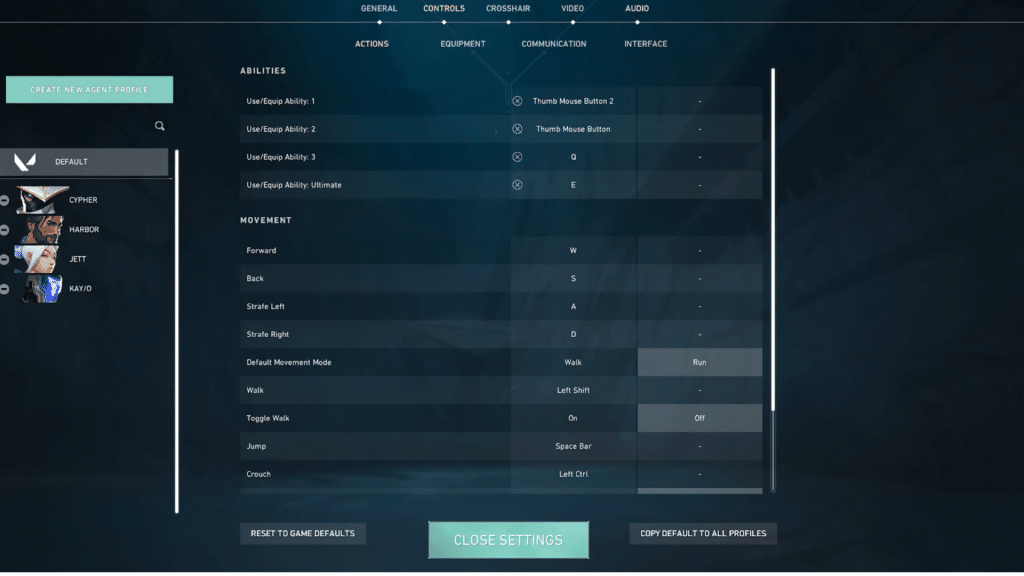
Pros typically avoid default keybinds because custom layouts allow faster access to essential abilities without disrupting movement.
Abilities such as smoke, flash, and utility are often placed on easily reachable keys like C, Q, E, or mouse buttons, reducing finger travel and improving execution speed.
Many pros bind jump to the mouse wheel for consistent bunny hopping and smoother movement control.
Weapon switching, crouching, and pinging are positioned strategically to avoid accidental inputs while maintaining easy access.
The goal is to create a layout that supports fluid mechanics and minimizes wasted motion.
These optimized keybinds help professionals perform precise maneuvers, manage utility effectively, and maintain rhythm during intense engagements.
Video & Graphics Settings
Professional Valorant players use video and graphics settings that prioritize clarity, visibility, and maximum performance.
Most pros choose 1080p resolution and turn off unnecessary visual features to reduce distractions and maintain high frame rates.
Settings such as anti-aliasing, bloom, vignette, and motion blur are typically turned off to ensure a cleaner, more predictable visual environment.
Texture and detail levels are often set to low or medium to improve performance consistency, especially during intense firefights.
High FPS is essential in competitive play because it improves input responsiveness and helps players track opponents more accurately.
By reducing graphical noise and prioritizing speed and clarity, professional settings improve reaction times, enhance visibility, and deliver a more stable competitive experience overall.
Full Settings Profiles of Top Pros
Examining complete profiles from elite competitors helps players understand how top-level setups are structured and why confident choices dominate the pro scene. T
1. TenZ’s Setup
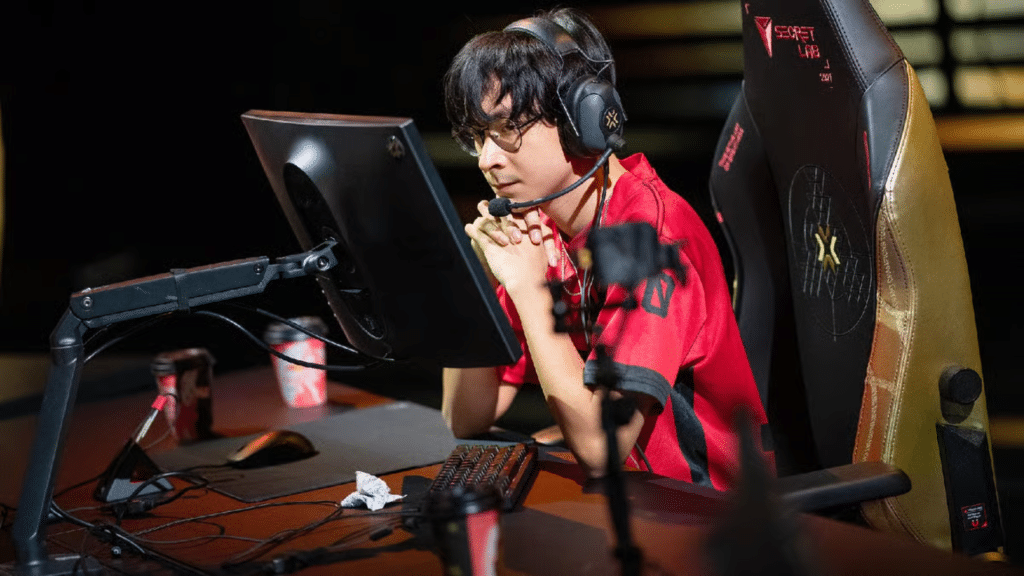
He is known for his exceptionally smooth aim, supported by a low eDPI sensitivity typically around the 300 range.
His crosshair is minimal, often a small cyan or white design, optimized for clarity and rapid flicks.
TenZ prefers high-performance peripherals, including a lightweight mouse and a friction-balanced mousepad to support his fast, fluid tracking.
His keybinds are arranged to enable rapid access to movement and abilities, minimizing finger travel during engagements.
2. Yay’s Setup
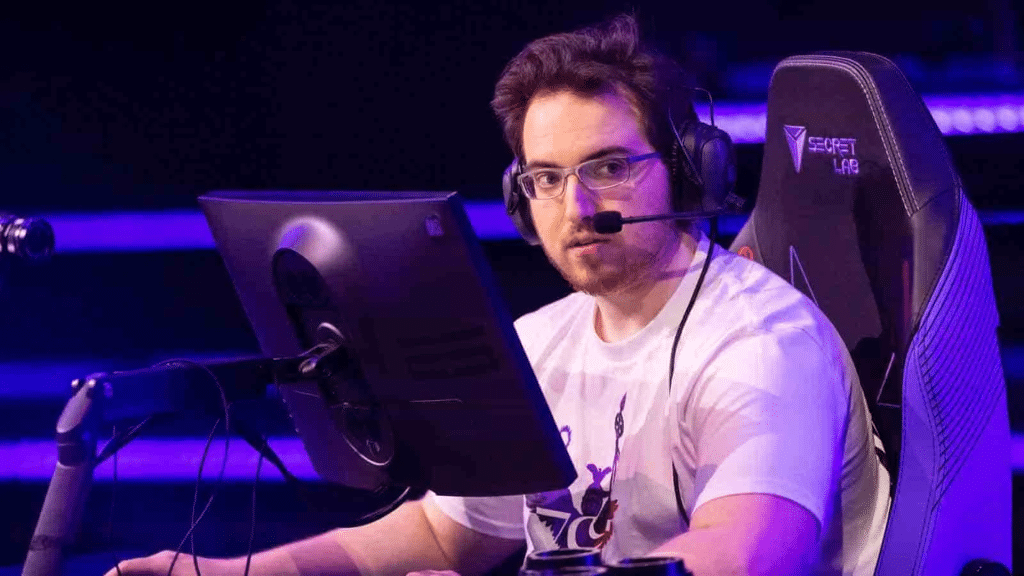
Yay, often called “El Diablo,” is known for laser-focused precision, supported by a very low eDPI sensitivity that prioritizes micro-adjustments and perfect headshot alignment.
His crosshair tends to be minimalist, using thin lines or a compact dot to minimize obstruction.
Yay’s peripherals emphasize stability and control, including a heavier mouse and a controlled-surface mousepad that enhances smooth but deliberate strafing and tracking.
His keybinds are tailored for comfort and reduced strain during long matches, with abilities placed on easily accessible keys for quick execution.
3. Derke’s Setup
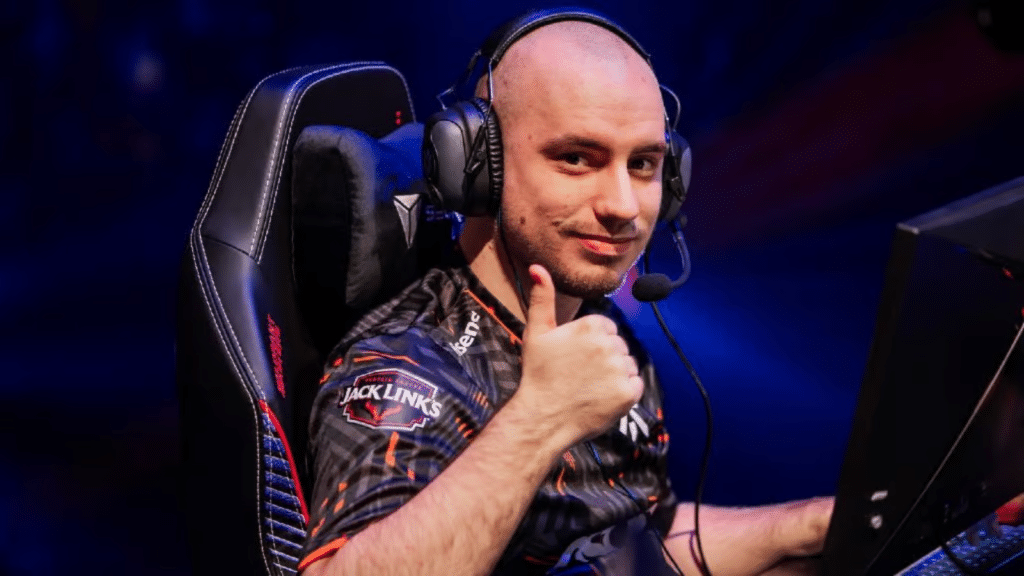
His crosshair is typically bold and clean, often using bright colors with clear outlines for visibility during fast-paced engagements.
Derke prefers lightweight mice and fast mousepads to support rapid transitions between movements.
His keybinds are arranged to facilitate aggressive entry-fragging, with abilities positioned for quick activation in high-pressure pushes.
Derke uses low graphics settings to minimize distractions, paired with a high-refresh monitor for smoother visual feedback.
4. Aspas’s Setup
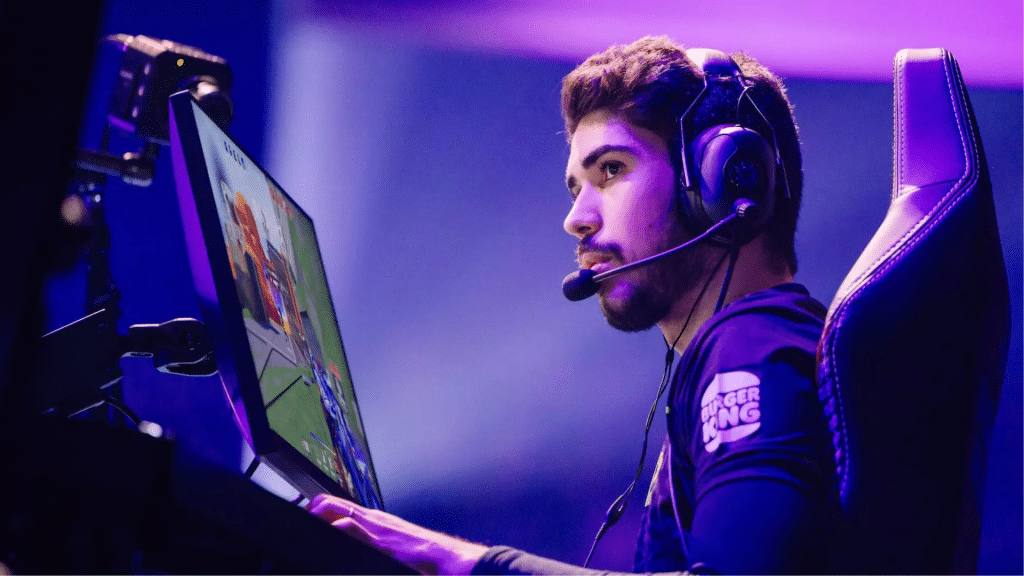
His sensitivity falls in the lower range, supporting precise crosshair placement and reliable spray control.
Aspas uses a clean, unobtrusive crosshair with subtle outlines, improving visibility across varied lighting environments.
His peripherals favor consistency, a lightweight mouse, a stable mousepad, and a keyboard with fast linear switches for quick input.
His keybind layout prioritizes efficiency, ensuring he can manage utility without interrupting movement.
Equipment Used by Pros
While the exact brands vary, most professionals rely on dependable, performance-focused hardware to maintain precision in competitive play.
• Gaming mice with adjustable DPI and low latency
• Mechanical keyboards with fast switches
• High-refresh-rate monitors (240–360Hz)
• Large, smooth mousepads for controlled aim
• Noise-isolating headsets for clear audio cues
Using reliable gear ensures every action feels sharp, responsive, and consistent.
Should You Copy Pro Settings?
When I first tried copying pro settings in Valorant, I quickly realized that they can be both helpful and limiting.
On the one hand, using pro settings gives me a strong foundation, especially for things like crosshair styles, low-sensitivity ranges, and performance-focused graphics setups.
These choices are proven to work at the highest level, so they offer a reliable starting point.
But I also learned that what works for a professional player doesn’t always align with my comfort, hand size, mousepad space, or playstyle.
Their sensitivity might feel too slow, or their keybinds may feel awkward. So instead of copying everything exactly, I now treat pro settings as a guide.
I test them, adjust them, and personalize whatever feels right. That balance helps me improve while still playing naturally.
Conclusion
After exploring the settings used by top Valorant pros, I’ve gained a much clearer understanding of how each adjustment contributes to better consistency and control.
Trying out these setups helped me discover what actually improves my own gameplay and what needs to be customized to fit my comfort.
Pro settings aren’t meant to be copied perfectly; they’re a roadmap that shows what works at the highest level.
By experimenting with their sensitivities, crosshairs, keybinds, and performance settings, I learned how to refine my mechanics and build a setup that feels natural for me.
In the end, the most significant advantage of studying pro settings is that it pushes me to think intentionally about how I play and how I can improve.