
Running out of storage space right before a Fortnite update drops? Well, you’re not the only one in this situation.
The game’s file size can catch players off guard, ranging from a manageable mobile install to a massive PC download that demands serious drive space.
If you’ve ever asked how big Fortnite is, the answer varies widely depending on your device. No matter your device, knowing the required space helps prevent installation issues and keeps gameplay smooth.
This blog breaks down current storage requirements for each platform, explains why the game’s size differs between systems, and shows how Fortnite’s size has changed over time.
You’ll also learn practical tips to manage storage space effectively.
Overview of Fortnite
Fortnite is an online action game known for fast matches, steady updates, and a mix of competitive and casual play.
It features Battle Royale, creative building tools, and rotating events that change the experience throughout each season.
These regular additions and expansions directly impact storage needs across all platforms.
Understanding how different modes, assets, and seasonal content work together helps explain why file sizes vary across devices and why major updates often need additional space.
These factors shape how much storage Fortnite uses throughout each season.
How Big is Fortnite Today Across Devices?
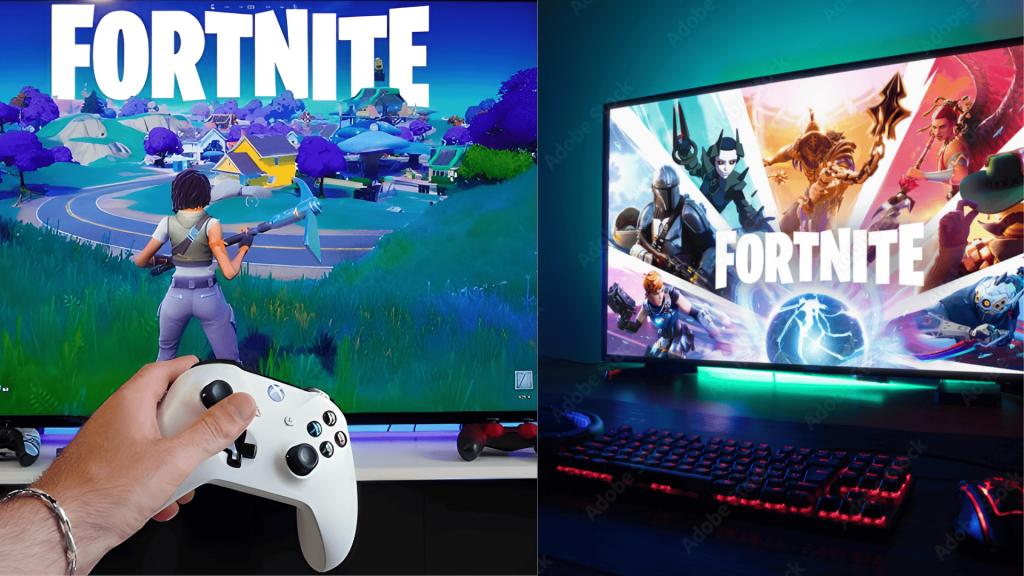
Now let’s get to the numbers you actually need. Here’s exactly how much storage space Fortnite requires on each platform, from PC and consoles to mobile devices.
1. PC (Windows & macOS)
Fortnite requires 26-40 GB for basic installation on PC.
The full package with Save the World mode, high-resolution textures, and cosmetic streaming can reach 72 GB total.
Both Windows 10 and 11 users face similar storage requirements, but back in 2020, Epic Games made a significant improvement to file management.
They cut over 60 GB from the game through smart optimization updates.
These changes also boosted loading speed, making the game run smoother than before.
2. PlayStation 4 & PlayStation 5
PlayStation users need approximately 72.2 GB of free space for Fortnite.
Both PS4 and PS5 versions require similar storage amounts; the PS5 benefits from faster load times thanks to its SSD technology.
The initial download appears smaller at around 18-20 GB, but additional data gets downloaded during installation to complete the setup.
Epic Games has made the files smaller over time without losing quality.
This helps keep storage manageable while still delivering better graphics on newer consoles.
3. Xbox One & Xbox Series X/S
Xbox storage needs vary quite a bit based on which console generation you own, with newer systems requiring significantly more space.
Xbox One players need around 30-40 GB for installation, which is fairly reasonable.
However, Series X and Series S users will need approximately 65.2 GB with the latest updates.
The bigger size on newer consoles happens because they include better textures, improved performance modes, and enhanced visuals.
These upgrades help the game run smoother and look better on next-generation systems.
How Big is Fortnite on Switch?
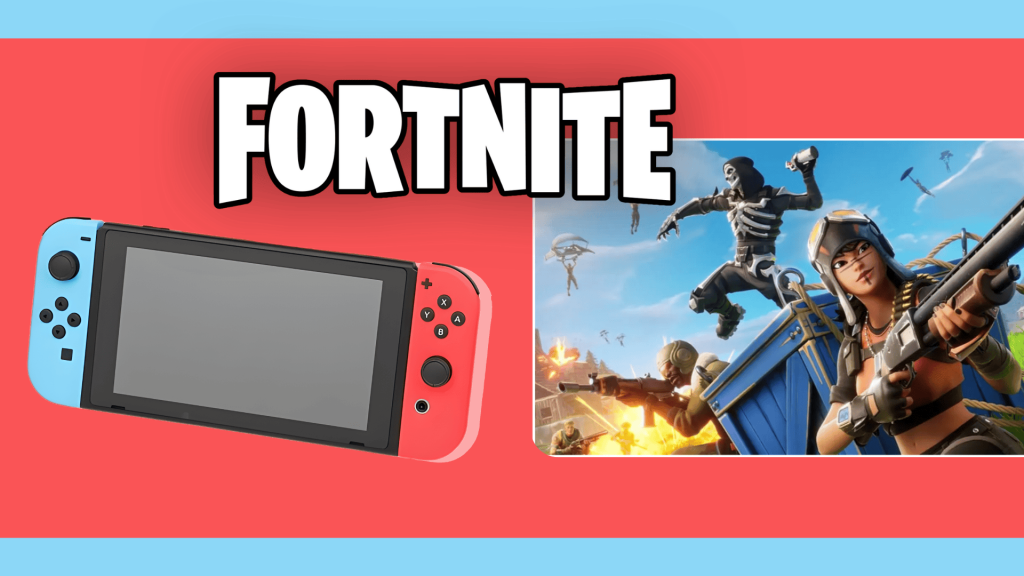
Fortnite on the Nintendo Switch typically requires around 15–20 GB of storage.
This size is smaller than other console versions due to optimized graphics and compressed assets for the Switch’s portable hardware.
While visuals are downgraded compared to PlayStation or Xbox, gameplay remains smooth and enjoyable for most of the users.
Players should have 25-30 GB of free space to accommodate future updates and seasonal content.
This ensures hassle-free installations and smooth gameplay, with enough room for updates and new content.
How Fortnite’s File Size Has Changed Over Time?
Fortnite started relatively small when it launched in 2017, taking up only 15-20 GB on most platforms.
Over the years, constant updates, new game modes like LEGO Fortnite, and tons of cosmetic items have increased the size.
However, Epic Games recognized this problem and worked hard to reduce file bloat without sacrificing game quality.
Their 2020 optimization update cut around 60 GB from PC installations through better file management.
Each new chapter brings changes, too, with Chapter 3’s move to Unreal Engine 5 improving both graphics and storage efficiency.
Why Fortnite’s File Size Varies by Platform?
Different platforms handle Fortnite’s files in unique ways, creating size variations across devices.
Consoles use special optimizations for their specific hardware, which can reduce file sizes.
PC versions stay larger because they need flexibility for different computer setups.
Nintendo Switch uses heavily compressed, lower-quality graphics to work on weaker hardware. Your personal choices matter too.
Installing extra modes such as Save the World, enabling high-resolution textures, or using performance-heavy settings can add significant storage.
Updates, seasonal changes, and optional content packs further increase the amount of space required over time.
Common Fortnite Storage Issues and Solutions
Even with proper planning, players sometimes encounter storage-related problems during installation or updates. Here are the most frequent issues and their quick fixes.
| Issue | Solution |
|---|---|
| Installation Error IS-DS01/IS-DS02 | Free up at least 15-20 GB beyond the game size. Delete unused apps or move files to external storage. |
| Update Won’t Download | Clear launcher cache and verify game files. Restart your device and ensure stable internet connection. |
| Game Runs Slowly After Update | Check if your drive is almost full. Games perform poorly with less than 10% free space remaining. |
| Can’t Install Optional Content | Disable cosmetic streaming and high-res textures in settings. This frees 20-30 GB on PC. |
| File Size Keeps Growing | Perform a fresh reinstall to remove accumulated update bloat. Reinstalling often reduces total size. |
Conclusion
The answer to how big Fortnite is depends on the platform, with Nintendo Switch using the least space and PlayStation requiring the most.
PC sizes vary based on optional features and performance settings.
These differences occur because each system handles assets and updates in its own way.
Managing storage becomes easier by removing unused packs, keeping extra space for updates, and using external storage when needed.
Epic Games continues improving file efficiency, helping players maintain smoother performance across devices.
What storage challenges have you faced with Fortnite?
Comment down your experience with Fortnite’s storage and any tips that helped you manage it better.