
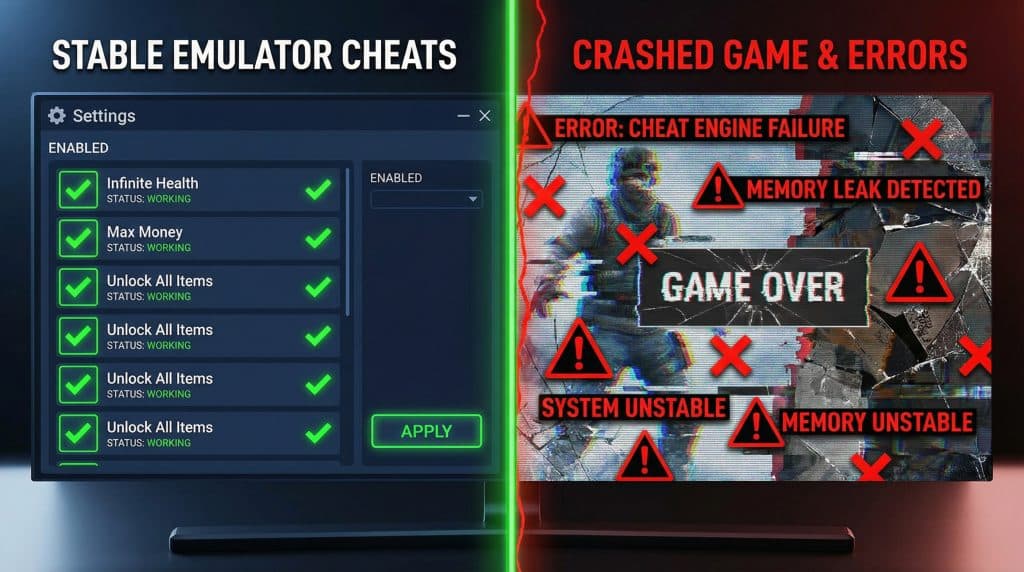
Why Your Emulator Cheats Keep Crashing (and the Fix That Actually Works)
If you’ve ever toggled “infinite health,” watched your game freeze like it just heard a ghost story, and then sat there whisper-yelling at your screen… hi. Welcome. I’ve been you.
Here’s the thing nobody tells you: most cheat “failures” aren’t because the code is cursed. It’s usually because your emulator is doing a bunch of fancy performance gymnastics (upscaling! async rendering! fast forward!) and the cheat engine is over in the corner like, “Um… I’m trying to poke this exact memory address, could you maybe stop time traveling the frames for two seconds?”
So let’s fix it without you spelunking through 900 menus like you’re in a bad IKEA.
The 3 minute “stop crashing right now” checklist
Do these in order. Yes, the order matters. (Ask me how I know.)
- Go boring with graphics
- Turn off shaders, upscaling, anti-aliasing, “enhancements,” the whole glow up.
- Set resolution to native / 1x.
- Turn off async anything (async rendering, async shader compile, etc.).
- Cap speed at 100%. No fast forward. No “Unlimited.” Cheats hate that.
- Make sure your cheat matches reality
- Confirm the cheat format matches your system/core (Game Genie vs GameShark vs Action Replay, etc.).
- Confirm your ROM’s region and revision (USA vs Europe, v1.0 vs v1.1). A cheat for the wrong revision can absolutely blow things up.
- Test one cheat at a time
- Enable one. Play for 2 minutes.
- Then add the next.
- “Enable 14 cheats at once” is how people end up writing angry comments on the internet.
If it still crashes after that, okay—now we get slightly nerdy (but in a “you can do this” way).
Why cheats break in the first place (quick and not painful)
Most emulator cheats work by writing values into the game’s memory while it runs. That’s it. That’s the magic.
The problem: modern emulators speed things up by changing how and when the CPU/GPU do their work. If your emulator is:
- rendering ahead,
- skipping frames,
- compiling shaders mid game,
- or running the CPU in a super optimized mode…
…the timing can drift. And when timing drifts, a cheat that’s supposed to gently tap memory becomes the gaming equivalent of yanking the wrong wire.
So your job is to make the environment predictable long enough to test cheats, then add the fancy stuff back slowly.
The Big Three settings that make (or break) cheats
1) Graphics: your “make it stable” lever
When you’re testing cheats, pretend you’re a minimalist for five minutes.
- Native resolution (1x) while troubleshooting
- No shaders / no post processing
- No auto resolution changes mid game (those can mess with timing)
- Try a different video backend if things freeze randomly:
- Vulkan often behaves best for a lot of people
- then DirectX 12
- then OpenGL (but your mileage will vary)
Also: if your cheats update constantly (health, ammo, money ticks), timing matters.
- Turn Vsync ON
- Match refresh rate to region:
- NTSC ≈ 60 Hz
- PAL ≈ 50 Hz
Is it glamorous? No. Is it effective? Annoyingly, yes.
2) CPU mode + threading: where “fast” can mean “unstable”
If your emulator has a CPU “recompiler” option (LLVM, ASMJIT, dynarec, etc.), that’s the speed demon. Great for performance… occasionally weird for cheats.
When cheats refuse to work (or crash instantly):
- Switch CPU mode to Interpreter just for testing
- It’s slower
- It’s also more accurate (which cheats like)
Threading can also cause chaos:
- If you’re seeing random crashes, don’t leave threads on Auto
- Set a manual thread count (I usually start at 4) and adjust only if you need more performance
And again: keep the game at normal speed while cheating with My Boy cheat fixes. Fast forward plus cheats is like juggling knives while running down stairs.
3) Code format + region matching: the silent cheat killer
This is the one that makes you think the cheat is “bad” when it’s actually just… speaking a different language.
Very rough cheat family cheat sheet:
- Game Genie: NES/SNES/Genesis (lettery/alphanumeric codes)
- GameShark / CodeBreaker: PS1/N64/GBA (often 8 digit hex style)
- Action Replay: a bunch of systems (hex, but versions matter)
- Gecko: GameCube/Wii
One spicy little gotcha:
- Action Replay v3 codes can look identical to v1/v2, but they don’t behave the same.
- Some setups (especially in RetroArch) require you to mark them as v3 manually.
And seriously double check ROM region/revision for GS Chronicles working codes. A “USA v1.0” cheat can crash on “USA v1.1” because memory addresses shift. Games are petty like that.
If you’re using RetroArch: do these two things first
RetroArch is powerful, but it’s also the kind of powerful where one wrong directory setting makes you question your life choices.
1) Update the cheat database
- Open RetroArch (no game needed)
- Go to Online Updater → Update Cheats
- Then make sure your cheat folder is set:
- Settings → Directory → Cheat File
2) Load cheats per game
- Start your game
- Quick Menu → Cheats → Load Cheat File
- Turn on something like Apply After Toggle (wording can vary) so the cheat actually applies when you enable it
Also: RetroArch cheat matching can be picky about ROM names.
- If your ROM name doesn’t match No-Intro style (and you renamed it to something like
mario_hacked_v2.sfc), RetroArch may not auto match cheats. - If one game is being especially stubborn, use a game override: load the game, tweak settings, then save a game specific override so it doesn’t mess with everything else.
Standalone emulator notes (aka “where the buttons usually are”)
I’m not going to pretend every version looks the same, but here are the usual “check here first” spots:
- DuckStation (PS1): Cheat Manager (import/load cheats), and keep the cheat database updated if you’re using one.
- PCSX2 (PS2): Per game properties often have a Cheats tab also make sure cheats are enabled globally, because PCSX2 loves a hidden master switch.
- AetherSX2 (PS2 Android): Cheats often need to be saved as
.pnachfiles and patches usually load at boot, so restart the game/emulator after adding them. - Dolphin (GC/Wii):
- Enable cheats in general settings and per game
- Keep the speed limit normal (not unlimited)
- On Android, mismatched region settings can matter if you’re using codes from a different region
For Dolphin stability (especially on Android), the general vibe is:
- avoid shader stutter mid game (precompile when possible)
- avoid timing drift (don’t stack weird sync options)
- keep things predictable while testing
Save files: how not to torch your progress
Cheats and saving is where people get hurt.
Here’s the deal:
- Save states capture the emulator’s whole messy situation (including cheat changed values).
- In game saves are what the game expects to be “legit,” and some games will validate or freak out if you saved with impossible values.
My personal rule:
- Make a clean baseline save state before enabling cheats.
- Enable cheats, confirm they work, then make a second save state.
- If you’re going to do an in game save, turn off cheats first.
Also: turn off auto load/save state while you’re experimenting. If you corrupt a state and it auto loads into an instant crash loop… congratulations, you’ve built yourself a tiny haunted house.
When it’s STILL not working: match your symptom
Cheats won’t activate (nothing happens)
- Go minimal graphics
- No fast forward / no frameskip
- Enable the cheat and wait 5-10 seconds
- If still nothing: try software rendering (just to test)
- If it never works after all that, it’s usually the wrong ROM revision/region or wrong format
Instant freeze the moment you enable it
- Test cheats one at a time
- The consistent freezer is usually incompatible (wrong version, wrong core, wrong code type)
- Find an alternate code or drop it some cheats are just chaos goblins
Performance tanks when cheats are on
- Some cheats run constantly (every frame). They’re needy.
- Disable any cheat you don’t actively need
- If you’re on N64 and suffering: a standalone emulator like M64Plus FZ can sometimes handle cheat performance better than some RetroArch setups
Cheat list won’t even show up
- Update cheats (RetroArch Online Updater, or emulator database updates)
- Confirm your cheat directory actually points to real files
- Restart the emulator after changing directories (yes, really)
- On Linux/Android, filename case sensitivity can matter (because computers love being right more than being helpful)
Black screen after enabling a cheat you edited
That’s often a “bad patch” situation (wrong padding / wrong instruction replacement).
- Revert your last edit
- Confirm the game boots
- Re-apply changes one line at a time like you’re defusing a bomb (because you kind of are)
The mindset that makes this easy
Cheats need two things: stable timing and predictable memory. So your strategy is always:
- Strip it down (make it boring)
- Confirm the code matches your ROM/core
- Add features back one at a time until you find the drama queen setting
Do that, and most cheat problems go from “I’m going to throw this controller” to “Oh. It was Vsync/fast forward/the wrong ROM revision. Of course it was.”
Now go enjoy your infinite health responsibly. Or irresponsibly. I’m not your parent.